Shopping Cart
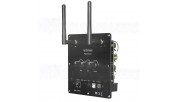
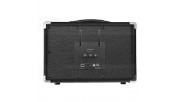
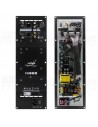


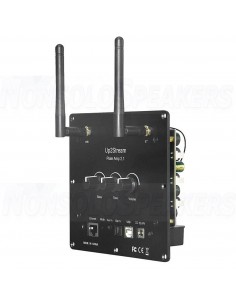
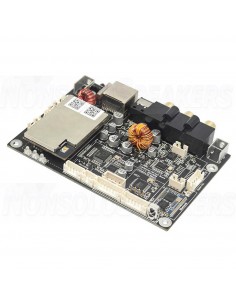
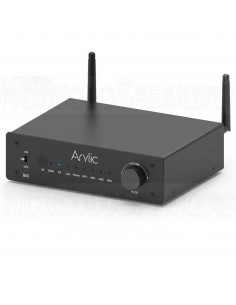
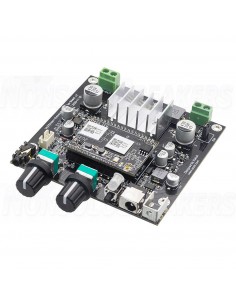
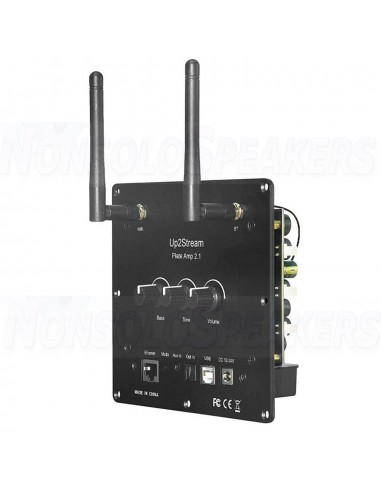
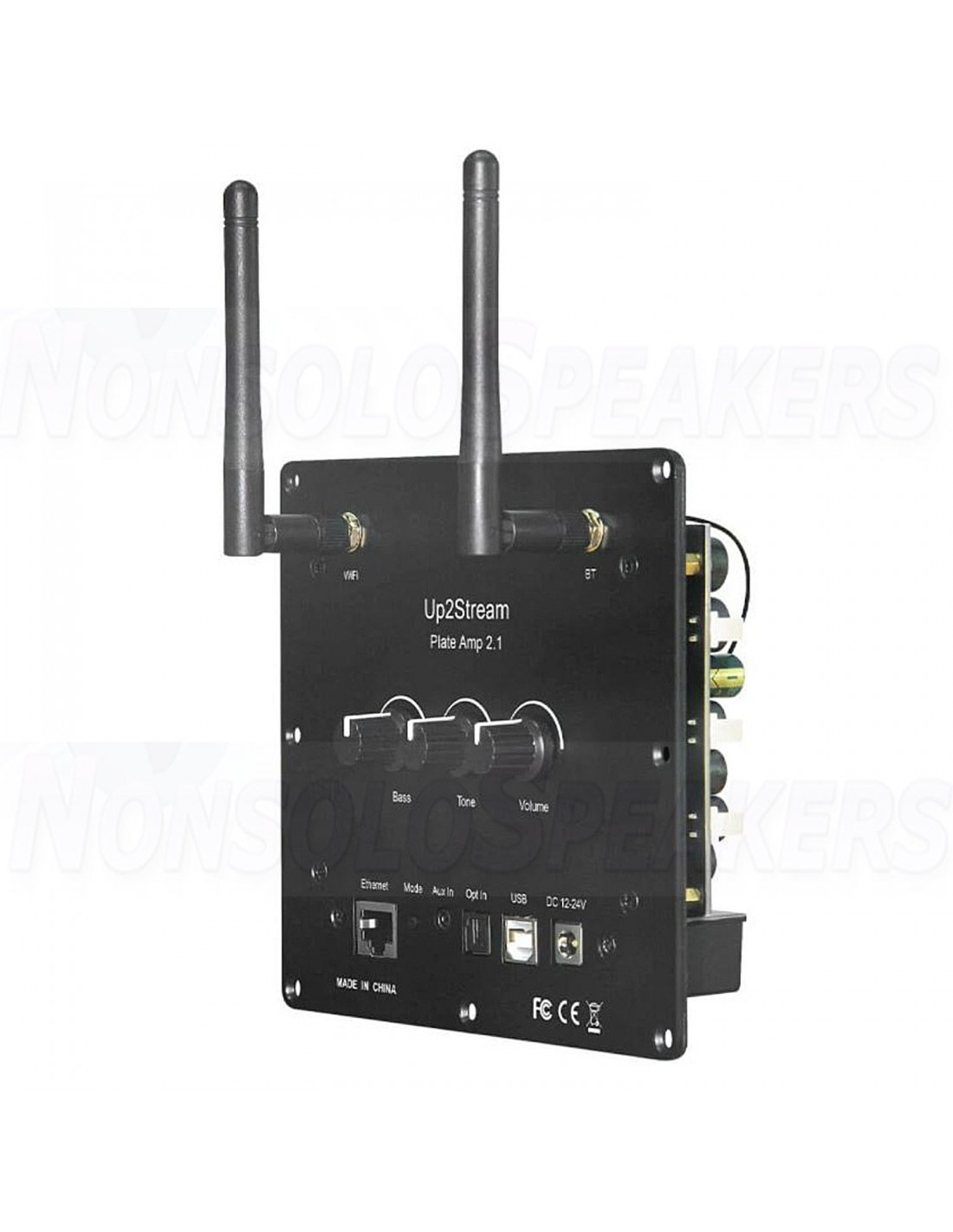
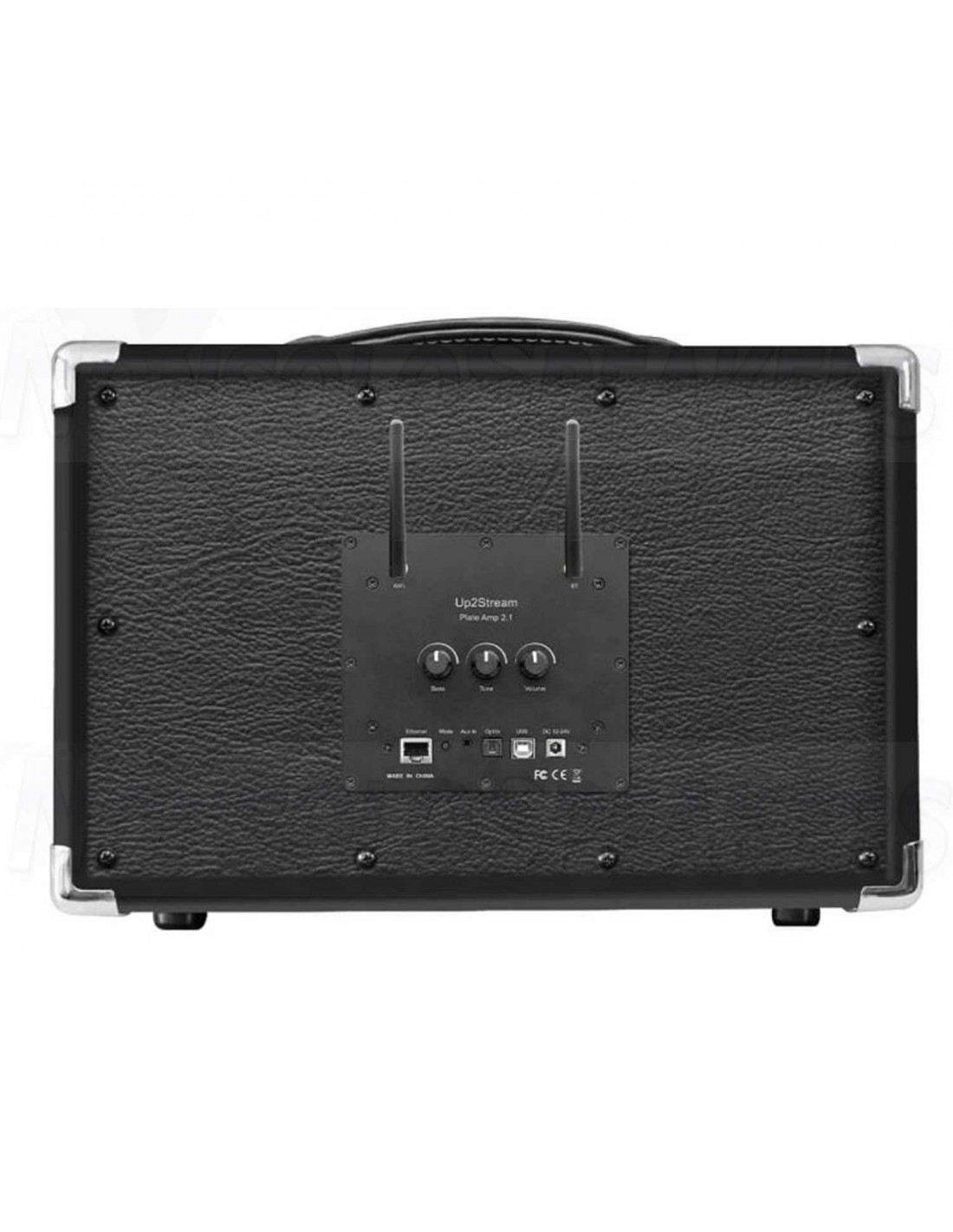
Up2Stream Plate AMP 2.1 is a WiFi and Bluetooth 5.0 2.1 channel plate amplifier that is easy for you to build your own high-quality wireless streaming speakers
Class D plate amplifier provides 50W L&R channels and 100W subwoofer
You might also like
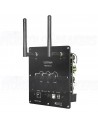
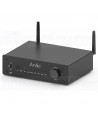
Up2Stream Plate AMP 2.1 is a WiFi and Bluetooth 5.0 2.1 channel plate amplifier that is easy for you to build your own high-quality wireless streaming speakers. Up2Stream Plate AMP 2.1 is a full range Class D plate amplifier provides 50W L&R channels and 100W subwoofer, 3.5mm Aux input, Optical input, USB input for PC connection, Volume, Tone and Bass rotary knob for sound adjustment
-
WiFi and Bluetooth 5.0
Full range Class D plate amplifier
4Stream app
streaming services: Spotify, Deezer, Tidal, Qobuz and more.
Multiroom audio system
-
Up2Stream Plate AMP 2.1 is a WiFi and Bluetooth 5.0 2.1 channel plate amplifier that is easy for you to build your own high-quality wireless streaming speakers. Up2Stream Plate AMP 2.1 is a full-range Class D plate amplifier that provides 50W L&R channels and 100W subwoofer, 3.5mm Aux input, Optical input, USB input for PC connection, Volume, Tone, and Bass rotary knob for sound adjustment. Once connected to your home network, using our 4Stream app you can play music from your mobile, NAS, or from online streaming services like Spotify, Deezer, Tidal, Qobuz, and more. With multiple devices, you can form a multiroom audio system and play the same music to each room in sync or play different music in different rooms.
-
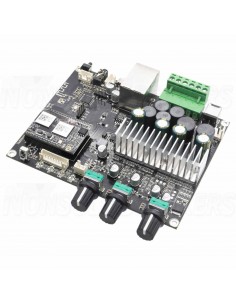
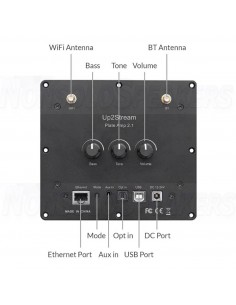
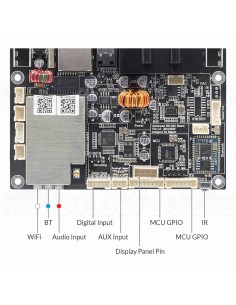
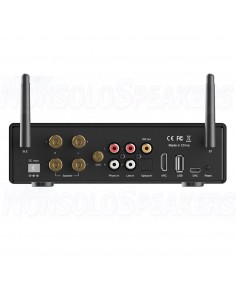
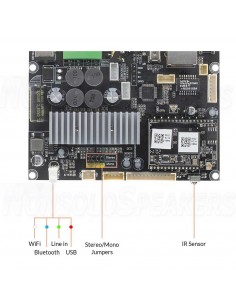
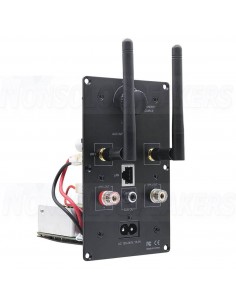
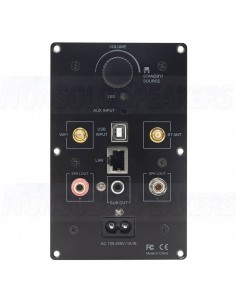
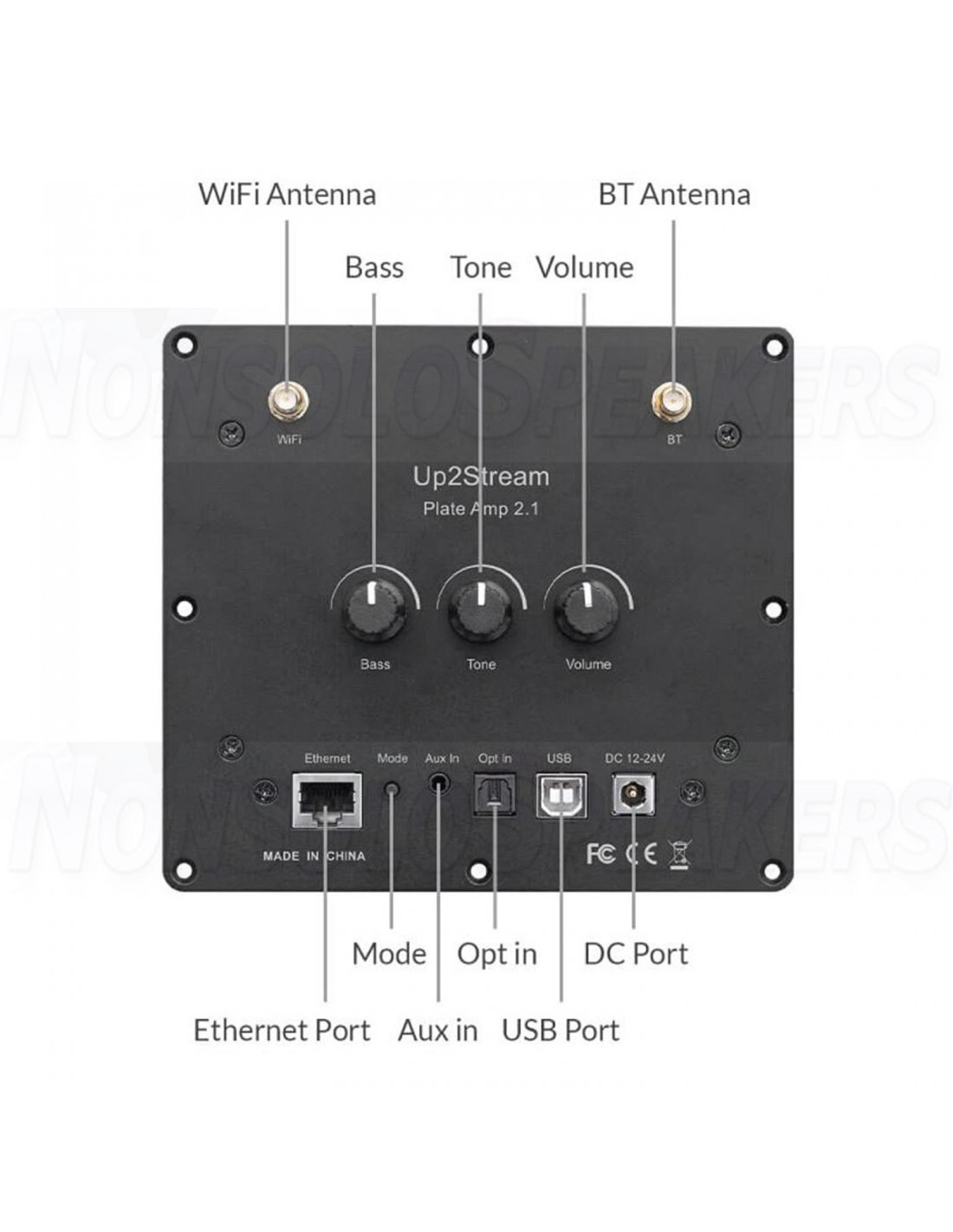
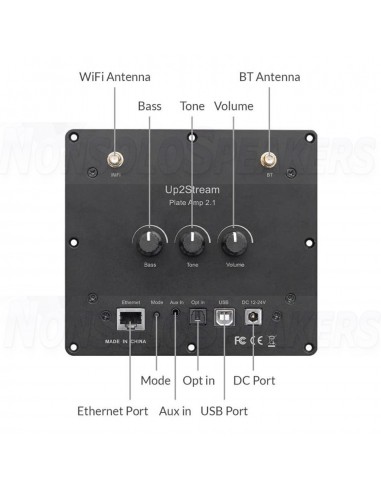
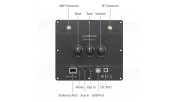
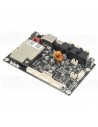
WiFi Antenna: Socket Use to connect the antenna to receive WiFi signal.
BT Antenna: Socket Use to connect the antenna to receive Bluetooth signal.
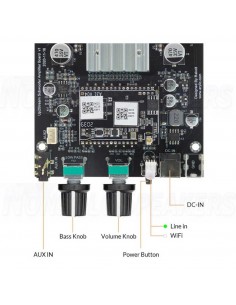
Bass: Knob Knob for changing Bass level.
Tone: Knob Knob for changing treble level.
Volume: Knob Knob for changing the volume level. Press to switch source input.
Ethernet Port: For network connection using RJ45 cable.
Mode button: Press once to switch source input. Quickly Press twice to reset WiFi/Bluetooth connection. Quickly Press three times to do a factory reset. Long Press to turn on the device, press again to turn on.
Aux in: For connection of analog audio signal using a 3.5mm to 3.5mm or 3.5mm to RCA cable.
Opt in: For connection of digital audio signal using an optical/Toslink cable.USB port: For connection to PC to ast as USB DAC or to use our DSP tool ACPWorkbench.
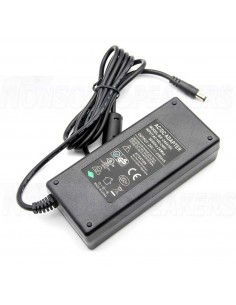
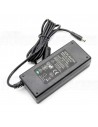
DC port: Use to connect the 12V-24V power supply
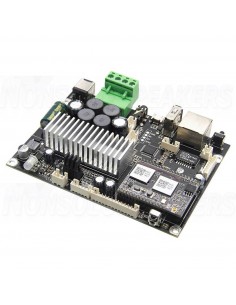
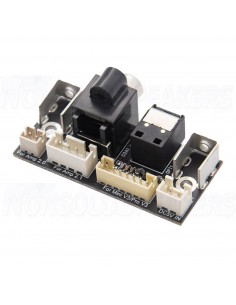
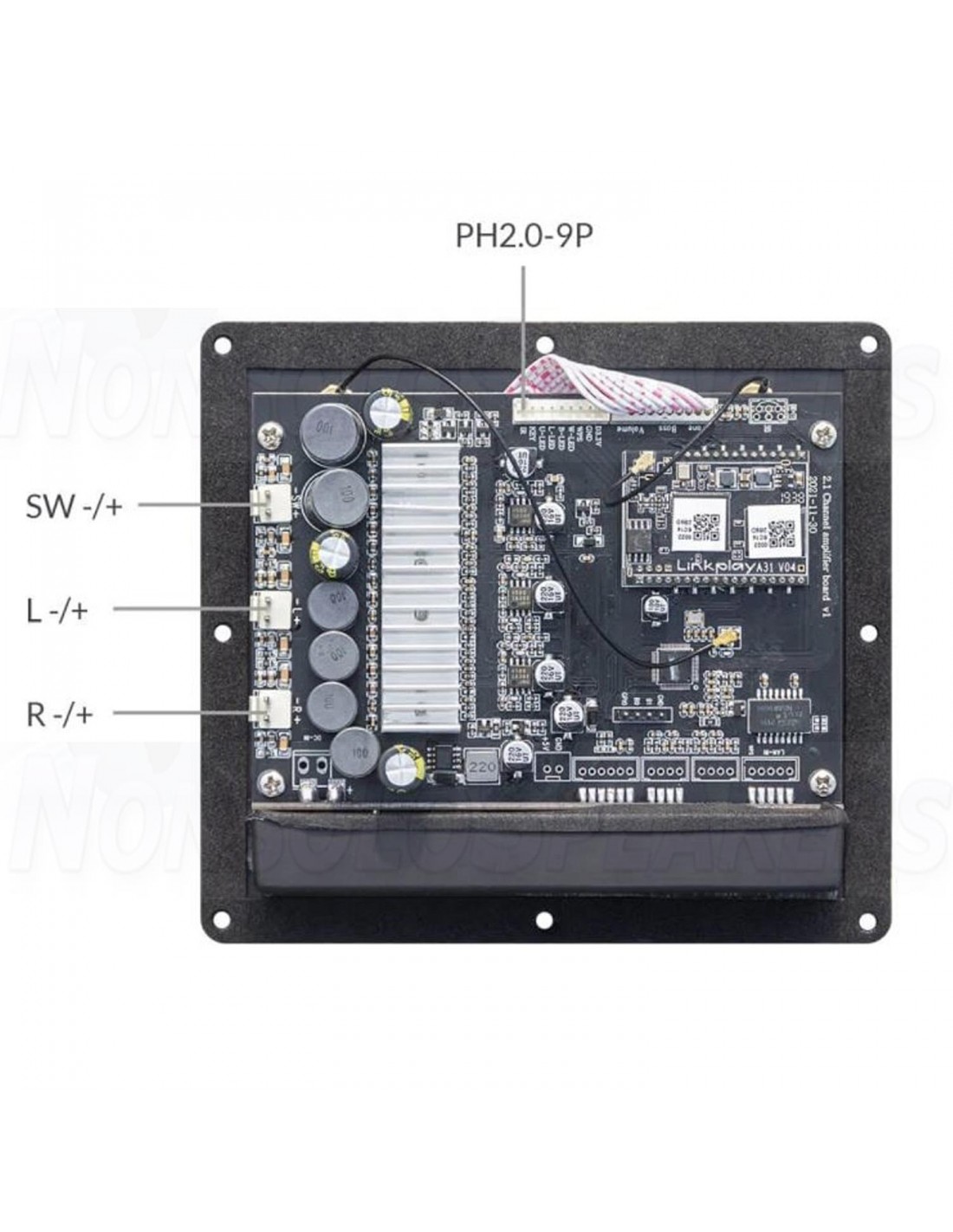
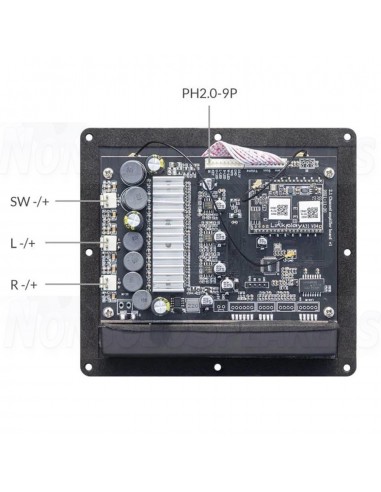
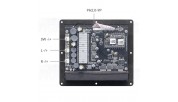
PH2.0-9P: WPS: Pins used for connecting external mode button
W-LED, B-LED, L-LED, U-LED: Pins used for connecting external LED status light
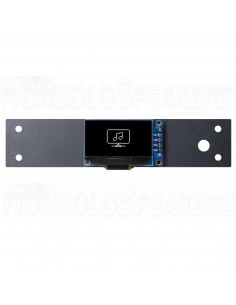
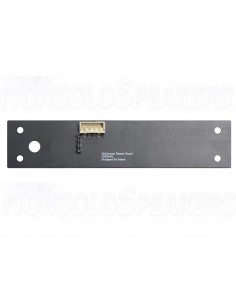
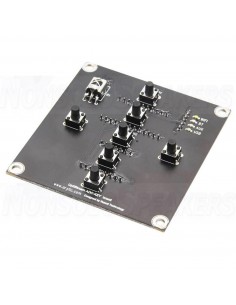
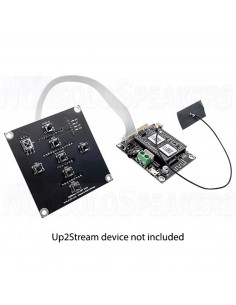
KEY: Pins used for connecting the external button board
IR: Pins used for connecting external IR receiver
SW -/+: Subwoofer speaker socketL -/+: Left Channel speaker socket
R -/+: Right Channel speaker socket
-
App Download
Download the 4STREAM application from App Store for iOS based devices and Google Play Store for Android-based devices. The application supports English, Spanish, French, German, Italian, Portuguese, Korean, Simplified Chinese, Traditional Chinese, and Japanese.
-
1. Power up the device.
2. Make sure your mobile has connected to your home network using 2.4G and your GPS and Bluetooth is on.
3. Open 4Stream APP and wait for device discovery. This will take a couple of seconds.
4. 4Stream will ask to check the indicator, there is no LED light on this device, just click on the indicator is blinking. (You can connect your own LEDs with the LED Pins or purchase and use our expansion board: button board)
5. For Android devices, the system will ask for permission to use GPS data & File storage, please click accept to continue. This GPS permission is set up by Google for BLE usage, once setup is finished you can go to system settings and disable it, file storage permission is to let 4Stream access your mp3 files store in your mobile.
6. 4Stream APP will list out all the devices available for setup, choose the one you want.
7. 4Stream APP will then ask you to choose the network you want the device to connect to, choose the one you want to connect.
8. Now enter a password for your network, if this is not the network you want the device to connect, you can change it to the desired one.
9. Then you can change the name of the device. You can select a preset one or enter your own.
10. After you define the name of the device, you will see it appears in the device list in 4Stream APP and now you can start streaming music.
.
Plug in the RJ45 cable to the ethernet port, the device auto connects to your home network and will show on the app in about 10 seconds. (Note: your mobile phone and the device must be in the same network.)
.
To use Bluetooth, switch to Bluetooth via 4Stream APP or by pressing the Volume knob or mode button. Then find the Bluetooth device SoundSystem_XXXX from your phone's Bluetooth setting and pair it. If you have changed the device name, “SoundSystem” will become the device name you changed.
.
Power up and connect the device to your PC with a USB cable. The PC will automatically discover a USB sound c
-
You can group multiple devices to form multiroom/multizone in 4Stream APP. Just click on the + icon on one of the devices and select other devices as a slave device. The master device then can stream music and sync to all slave devices in different rooms.
.
Enter the IP address of the device in a web browser and you can access the web player interface. The web player can let you play/pause the current song, go previous or next song, control the volume, access the Pre-set songs you define in 4Stream APP, enter internet radio URL to listen to the radio, setup wifi connection, setup static IP address, do a manual firmware update and factory reset.
*You can check device ip address in 4stream app, click on device settings icon and select speaker info.
**If you want to set up wifi in this interface, connect this device (SSID: SoundSystem_xxxx) to your phone/pc wifi directly, the default IP address is 10.10.10.254.
***The default password is admin
Up2Stream ACPWorkbench (Sold Separately)
Connect the device to your PC with USB cable, open the windows program ACPWorkbench and you can tune audio effects conveniently in real-time, including music noise suppressor, virtual bass, stereo widener, exciter, 10 bands EQ, configure output channel and PINs definition. After editing the audio effects, you need to save the changes to the device for the effects to remain. You can get more information from Arylic's website.
.
The application will notify you in-app when there is new firmware available. It is recommended to update the firmware whenever it is available, as this might not only correct bugs or improves performance, but also might add new features or services.
.
Up2Stream Plate AMP 2.1 x1
Internal Speaker Cable x3
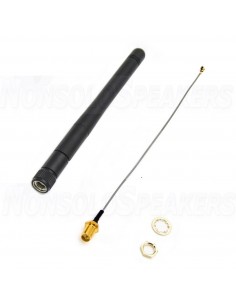
Antenna x2
User Manual
Arylic was founded by a group of experts with more than 10 years behind-the-scenes experience developing new technology products. They have different skills from home audio to lifestyle products. Arylic focused on producing products that reflect the team's strengths in wireless audio and gradually created a successful range of products with excellent value for money, including a range of amplifier modules.
SoundImports offers four products from the Up2Stream series. First is the Arylic Up2Stream Amp 2.0 V3 WiFi and Bluetooth 5.0 Stereo Amplifier Board, which can stream music from any reputable streaming service with its free Android and iOS app; Wi-Fi, Bluetooth 5.0, DLNA, AirPlay, Spotify, Deezer, Tidal, Qobuz, iheartRadio, Napster, Internet radio, whatever you want. L'app non è solo la prima volta per lo streaming musicale non riconosciuto, but also allows you to change the name of any Arylic product on your network and set up a multi-room sound system. The new model of the Up2Stream series and the Arylic Up2Stream 2.1 amplifier. This class D stereo amplifier board with a powerful subwoofer output can produce 50W + 50W + 100W and performs well with low impedance speakers. It also offers the most advanced wireless technology with WiFi, Bluetooth 5.0, Airplay, Spotify Connect and DLNA and UPnP protocols for wireless control.
With the Arylic Up2Stream Mini V3-Wi-Fi & Bluetooth Audio Receiver Module with I2S you can wirelessly stream your audio data to your speakers. With its five streaming options and all its other features, it's the most complete and easiest way to enjoy music wirelessly. Arylic Up2Stream Pro V3 L'Up2Stream Pro è dotato di a USB memory, which can also function as a USB DAC. It can connect to a PC and digitally stream PC audio. Thanks to the updated CPU, you can now also change the device name for WiFi SSID and Bluetooth via the mobile app.
L'Arylic A30 is the simplest and cheapest Wifi & Bluetooth 5.0 stereo amplifier di Arylic. Despite this, it offers all the features you need for a wireless sound system or even a wireless multi-room sound system. The Arylic A50 is the more versatile and powerful brother of the A30. It has a handful of additional features that make it useful for a wider range of applications. The Arylic A50 lets you play high-resolution lossless audio via the free Android or iOS app or Bluetooth 5.0 connectivity. In addition, the Arylic A50 has a USB DAC, a line-in, a dedicated subwoofer output and wired and wireless internet connections.
You can easily control the Arylic Arylic S10 with the supplied remote control. In qualsiasi altra situazione puoi accedere all'app a buon mercato to control the volume of each Arylic device in your network, set up a multi-room network, create a True Wireless Stereo setup, adjust the equalizer settings and the desired select source. The Arylic S50 Pro is the bigger brother of the S10, with some extras that make it suitable for even more uses. Funzionalità Wi-Fi e Bluetooth 5.0 connectivity, DLNA streaming, NAS (Network Attached Storage), streaming di musica online ad high velocità, aptX HD playback e and app iOS e Android a basso costo available in all the functional devices. The Arylic S50 is packed with all these features which are impressive especially considering the price.
You might also like